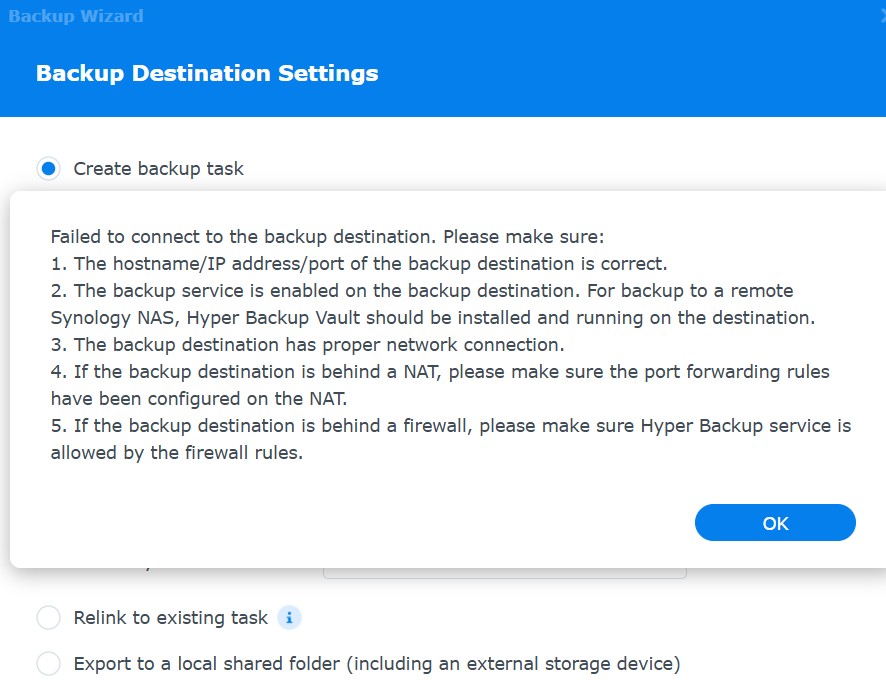
Hello, I hope to find a solution on this forum.
After changing my password and setting up login to Synology on the target device via Windows Hello, my Hyper Backup copies to the remote NAS stopped working. I have since removed the Windows Hello login. On the device I want to back up, I still receive warnings that I need to configure 7 settings, even though everything is configured. When I click ‘Login’, it doesn’t ask me for the username and password.
I have also deleted the existing task and created a new one. Does anyone have a solution? My backups haven’t been working for 14 days.
Thanks