I am trying to backup my Dropbox folder to my DS223j NAS via Cloud Sync.
MacOS Tahoe 26.1
It would appear that files with a ‘/’ (forward slash) in the filename are not included in the backup. Is this a known ‘issue’? Are there other characters that cause files to be ‘ignored’? And is there a workaround (other than renaming the problem files which I am loath to do as this file naming convention is part of my workflow)
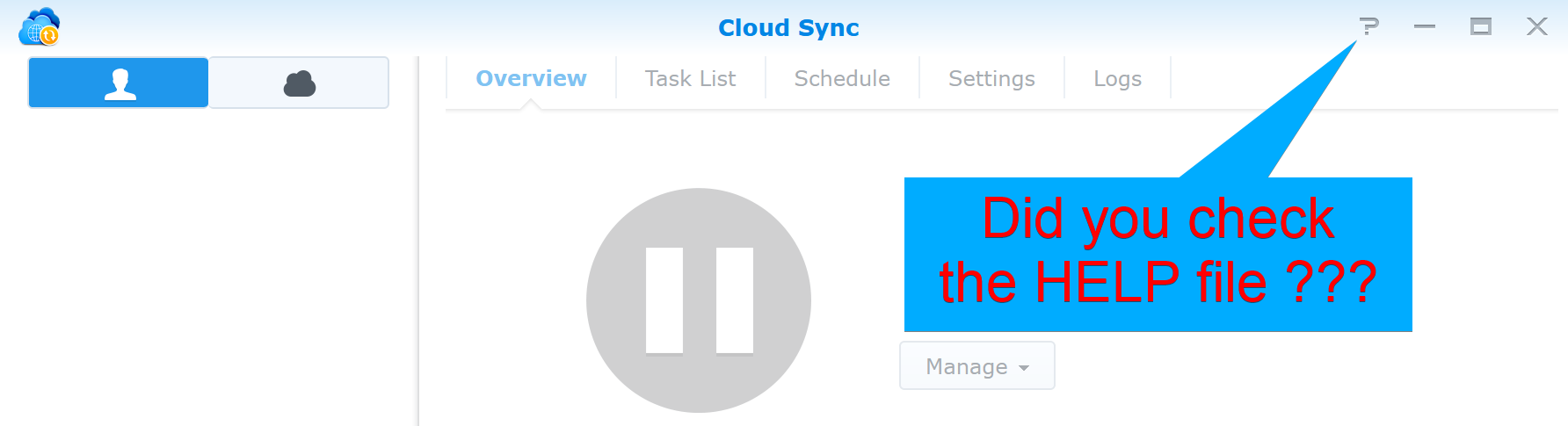
This is covered in the Cloud Sync Knowledge Center as well as its help file. Spend some time there to learn the naming limitations associated with Cloud Sync and Dropbox.
Thank you! That was a helpful read. As I am sure you would have concluded I am quite new to the NAS world. That help file icon was not all that obvious!
I had a few thousand files with / in my Dropbox and I spent almost a day devising a scripted method to replace all those /’s with _’s. All good now.
Yes, this is expected behavior. On Synology (and most Unix-based systems), the forward slash / is a reserved character used as a path separator, so files containing / in the name can’t be created or synced to the NAS and are skipped by Cloud Sync.
Other commonly problematic/invalid characters include \ : * ? " < > | and sometimes control characters, depending on the filesystem.
Unfortunately there is no real workaround on the NAS side Cloud Sync will ignore those files. The only practical options are renaming the files adjusting your workflow to avoid reserved characters, or exporting a copy with sanitized filenames specifically for backup.